Decoding Strange Text: The Root Causes of Character Set Problems
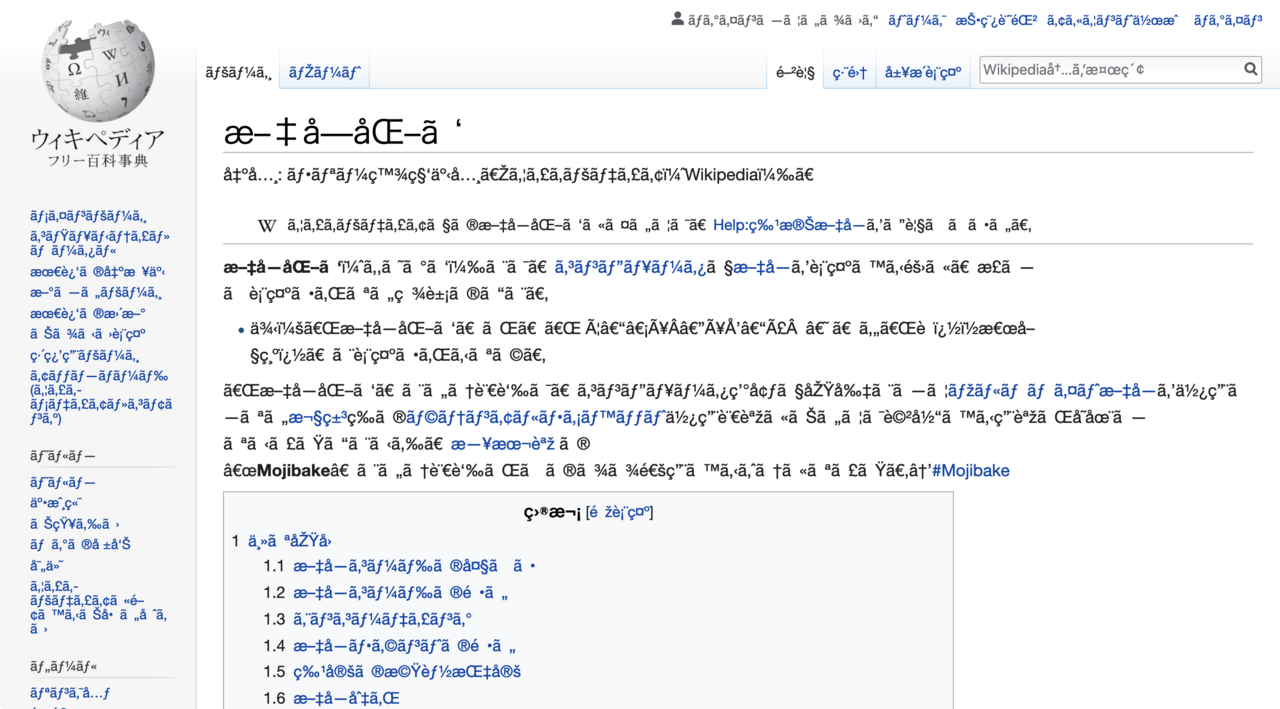
If you've ever encountered bizarre sequences of characters like "Â", "’", "ë", or "Ã" appearing on your website or in your database, you're not alone. This phenomenon, often referred to as "Mojibake," is a clear indicator of a character set problem. It's a frustrating issue that can make your content unreadable, damage your brand's credibility, and even lead to data loss. Understanding why these strange characters appear is the first step toward banishing them for good. At its core, these visual glitches stem from a misunderstanding between different systems about how text should be encoded and decoded.
The Multilayered Problem: Understanding Character Encoding
Character encoding is the system used to represent text in computers. Every letter, number, symbol, and even whitespace has a numerical code associated with it. When you type "A," your computer stores it as a number, and when it displays "A," it retrieves that number and renders the corresponding character. Different encoding standards exist, such as ASCII, ISO-8859-1, and UTF-8, each with its own set of rules and capabilities.
ASCII (American Standard Code for Information Interchange) was one of the earliest and simplest standards, using 7 bits to represent 128 characters – primarily English letters, numbers, and basic punctuation. Its limited scope meant it couldn't handle characters from other languages or more complex symbols.
As the internet became global, a more robust solution was needed. Enter
Unicode, a universal character set that aims to represent every character from every writing system in the world.
UTF-8 (Unicode Transformation Format - 8-bit) is the most widely adopted encoding for Unicode, especially on the web. It's designed to be backward-compatible with ASCII (characters 0-127 are identical) and uses a variable number of bytes (1 to 4) to represent characters. This efficiency means common English text takes up less space, while complex characters from languages like Japanese, Chinese, or Arabic can still be fully represented. The problem arises when a system designed to read one encoding tries to interpret data encoded in another, leading to the scrambled text we often see.
Common Culprits Behind Garbled Text
The appearance of weird characters is rarely due to a single, isolated factor. Instead, it's often a breakdown in consistency across various layers of your web application stack.
Database Mismatches
One of the most frequent sources of character set issues is the database. Data might be stored incorrectly, or the connection between your application (e.g., PHP) and the database might not be set to the correct encoding. If your MySQL database tables or columns are configured with an older encoding like `latin1` or `iso-8859-1`, but your application sends UTF-8 data, the database will misinterpret and store it incorrectly. When that data is later retrieved, it's already corrupted. Even if the table is UTF-8, if the *connection* itself isn't explicitly told to use UTF-8, conversions can still occur during data transfer, leading to corruption.
Application-Level Errors (PHP Specifics)
The application layer, particularly PHP, plays a crucial role. While modern PHP versions (especially PHP 7.x and 8.x) have significantly improved their handling of UTF-8, older applications or those not carefully configured can still stumble. As noted in the reference, early versions of PHP (prior to the now-released PHP 6) didn't natively support UTF-8 in many string handling functions. This meant functions like `strlen()` would count bytes instead of actual characters for multibyte strings, leading to incorrect lengths, truncation, or unexpected behavior.
Developers must also be cautious with data sanitization. Functions like `addslashes()`, while historically used for escaping, are not encoding-aware and can worsen UTF-8 issues. The correct approach, especially when dealing with databases, is to use prepared statements or database-specific escaping functions like `mysqli_real_escape_string()` (or better yet, switch to PDO with parameterized queries for enhanced security and encoding control). For a deeper dive into these specifics, read
Fixing Weird Characters: Your Guide to UTF-8 in PHP & MySQL.
Browser Misinterpretations
Even if your data is perfectly stored and handled by your server-side application, the browser might still display it incorrectly. This usually happens when the HTTP header or the HTML meta tag specifying the character set is either missing or incorrect. If your server sends content without declaring it as UTF-8, the browser might default to an older encoding (like ISO-8859-1), resulting in garbled text. This is why explicit declarations are vital.
User Input & External Sources
A common and often overlooked source of issues is user-generated content, especially when copied and pasted from external applications. Microsoft Word, for instance, has a tendency to convert standard quotes and hyphens into "smart quotes" (curly quotes) and em/en-dashes. These characters, while valid in Unicode, might be represented differently than their plain ASCII counterparts. If your application or database isn't fully configured for UTF-8 throughout, these smart characters can be the first to break, appearing as squares, question marks, or the dreaded "’". This highlights the importance of consistent encoding from input to output.
The Path to Clarity: Implementing UTF-8 Correctly
The golden rule for eliminating character set problems is
consistency. Every layer of your application – from the database to the browser – must agree on using UTF-8. Here's a practical checklist:
1.
Configure Your Database:
* Ensure your database, tables, and specific columns are created with `CHARACTER SET utf8mb4` and a suitable collation like `utf8mb4_unicode_ci` or `utf8mb4_general_ci`. The `utf8mb4` character set is preferred over plain `utf8` in MySQL, as it supports a wider range of Unicode characters, including emojis (which often break with `utf8`).
* As soon as you connect to your MySQL database from PHP, set the connection's encoding. If using `mysqli`, use `mysqli_set_charset($link, "utf8mb4");` or `mysqli_query($link, "SET NAMES 'utf8mb4'");`. For PDO, specify the charset in your DSN: `new PDO("mysql:host=localhost;dbname=yourdb;charset=utf8mb4", $user, $pass);`. This step is crucial as it tells MySQL how to interpret incoming and outgoing data for that specific connection.
2.
Set PHP Headers:
* Before any content is sent to the browser, instruct PHP to declare the page's encoding. Place this line at the very top of your PHP script, before any HTML or output:
```php
header("Content-type: text/html; charset=utf-8");
```
* This HTTP header tells the browser definitively what encoding to expect, overriding potential defaults.
3.
Include HTML Meta Tag:
* While the HTTP header is generally preferred and more authoritative, including a meta tag in your HTML `` section provides a fallback and additional assurance:
```html
```
* For older HTML versions or compatibility, you might see `
`. Both serve the same purpose.
4.
Save PHP Files as UTF-8:
* Ensure that your PHP script files themselves are saved with UTF-8 encoding (without BOM – Byte Order Mark, unless absolutely necessary for specific server configurations, though generally avoided). Most modern text editors allow you to select the file encoding.
5.
Modernize PHP Database Interaction:
* Avoid deprecated `mysql_*` functions. Migrate to `mysqli` or PDO. These extensions offer better security, performance, and more explicit control over character sets. Parameterized queries, in particular, help prevent SQL injection and simplify encoding concerns by separating data from queries. This is a critical step for modern web development. For more detailed guidance on setting up UTF-8 correctly, check out
Essential UTF-8 Setup for PHP & MySQL: Eliminate Bad Characters.
6.
Handle User Input Carefully:
* When processing user input from forms, especially text areas where users might paste content from various sources, be mindful. While proper UTF-8 configuration throughout your stack should handle most characters, if you're performing complex string manipulations, ensure you're using multibyte-aware PHP functions (e.g., `mb_strlen()`, `mb_substr()`, `mb_convert_encoding()`) instead of their single-byte counterparts.
Conclusion
Decoding strange text isn't about magical fixes; it's about understanding the fundamental principles of character encoding and ensuring consistency across every component of your web application. The appearance of "Mojibake" is a clear signal that somewhere in the chain – from your database storage, through your application's logic, to the HTTP headers and HTML markup – there's a disconnect regarding how characters should be interpreted. By systematically implementing UTF-8 at all layers, adopting modern PHP and MySQL practices, and paying attention to user input, you can eliminate these frustrating character set problems and present your content clearly and correctly to a global audience.